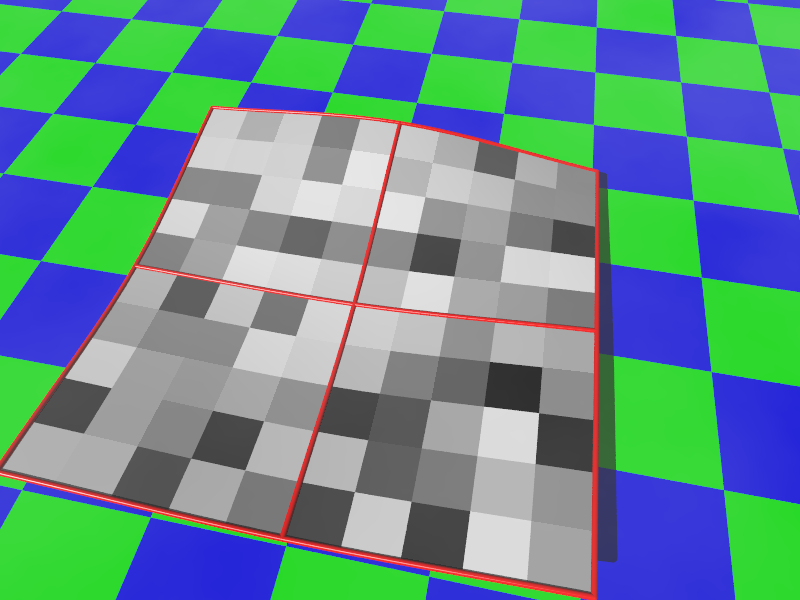
This include file allows users to create splines that connect multiple points in a single-dimension array, or a 2-dimensinal array.
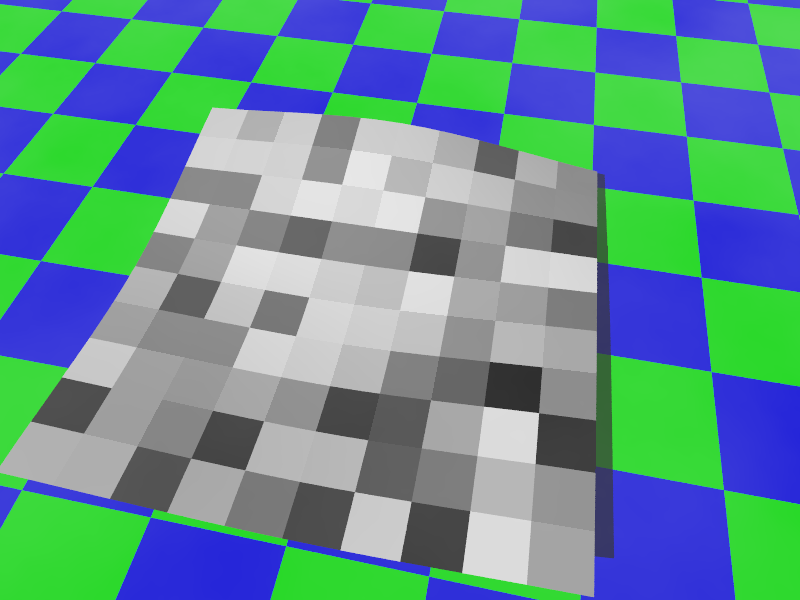
With a 2-dimensional array, a texture can be wrapped across multiple smoothly- connected bezier patches. This solution is pretty fast, managing to create hundreds of patches quickly. The onus is on the user to create the array.
You can download the latest version here.
You can read the documentation here.
Main Macros:
- Bezier
- Calculate a point on a cubic bezier curve
- dCA
- Alternate input & calculation method for Bezier.
- ConnectPoints
- Transform an array of points to an new array for smoothly connected bezier curves
- CreateGridControlPoints
- Transform a 2-dimensional array to an array of control points for smoothly connected bicubic patches
- DrawPatches
- Creates the smoothly-connected bicubic patches
Helper Macros
- ExtractUV
- Pulls one-dimension from a two-dimensional array
- CreateCorner
- Completes the parallelogram defined by three known points
- DrawSegment
- Creates a segment using spheres & cylinders
- DrawConnected
- Creates several segments via DrawSegment
- PlotPoints
- Creates spheres for each point in a 1-dimensional array
- PlotGrid
- Creates spheres for each point in a 2-dimensional array
- DrawWireframe
- Creates the wireframe for ControlPointGrid
#include "Bez.inc"

#declare Bez_Texture =
   texture { pigment{ cells scale 0.1 }
             finish { phong 0.1}
           } // end of texture

#declare SampleGrid = array[3][3]
#declare sampleseed = seed(42);
#for(X, 0, dimension_size(SampleGrid, 1)-1, 1)
  #for(Z, 0, dimension_size(SampleGrid, 2)-1, 1)
    #declare SampleGrid[X][Z] = <(X-1)*2, 0+rand(sampleseed)*0.5, (Z-1)*2>;
  #end // for Z
#end // for X

#declare CPGrid = CreateGridControlPoints(SampleGrid, 0)

DrawPatches(CPGrid, Bez_Texture)
You can add the following to see the wireframe:
object {
   DrawWireFrame(CPGrid,0.02)
   texture { pigment { red 1 } finish { phong 1 } }
}