Simple Usage
Here is a sample of a simple two-by-two patch. All smoothly connected patches must have a minimum of three values in any direction.
#include "bez.inc"

#declare Bez_Texture =
   texture { pigment{ cells scale 0.1 }
             finish { phong 0.1}
           } // end of texture

#declare ModelGrid = array[3][3]
#declare sampleseed = seed(42);
#for(X, 0, dimension_size(ModelGrid, 1)-1, 1)
  #for(Z, 0, dimension_size(ModelGrid, 2)-1, 1)
    #declare ModelGrid[X][Z] = <(X-1)*2, 0+rand(sampleseed)*0.5, (Z-1)*2>;
  #end // for Z
#end // for X

#declare CPGrid = CreateGridControlPoints(ModelGrid, 0)

DrawPatches(CPGrid, Bez_Texture)
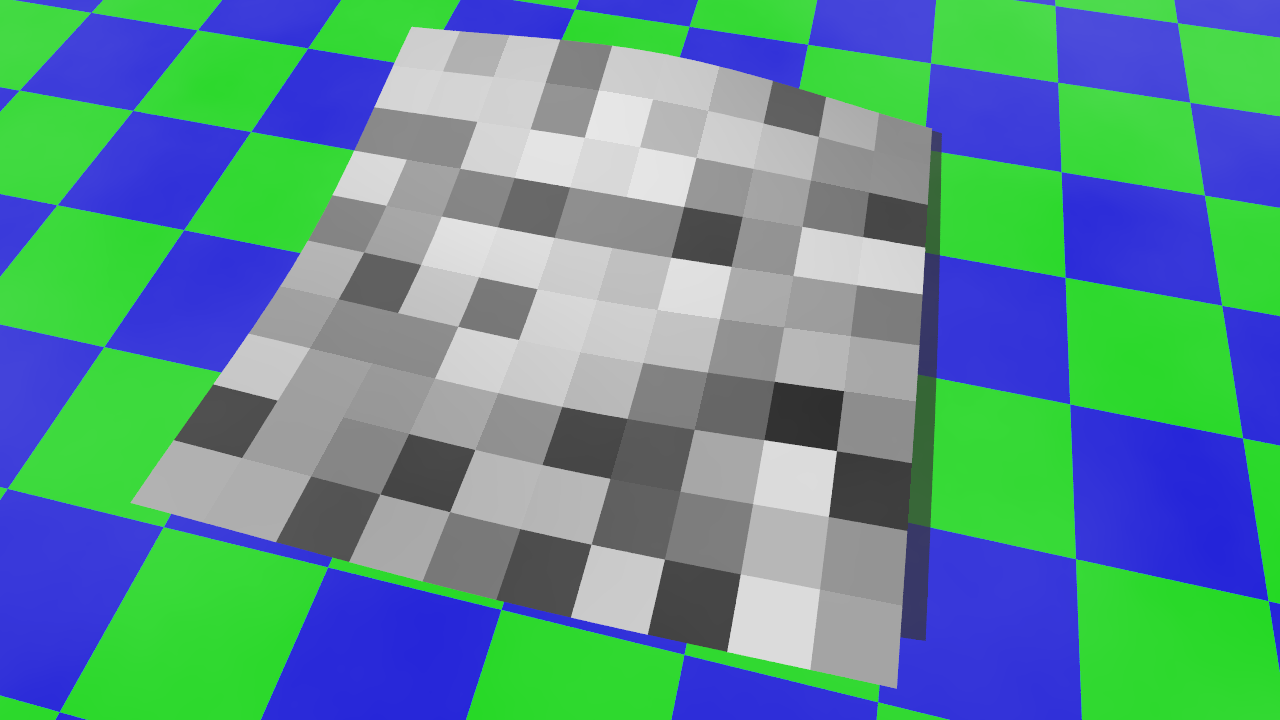
The texture defaults to using UV-mapping across all patches.
You can draw the wireframe (usually for testing purposes) by calling a macro
object {
   DrawWireFrame(CPGrid,0.02)
   texture { pigment { red 1 } finish { phong 1 } }
   }
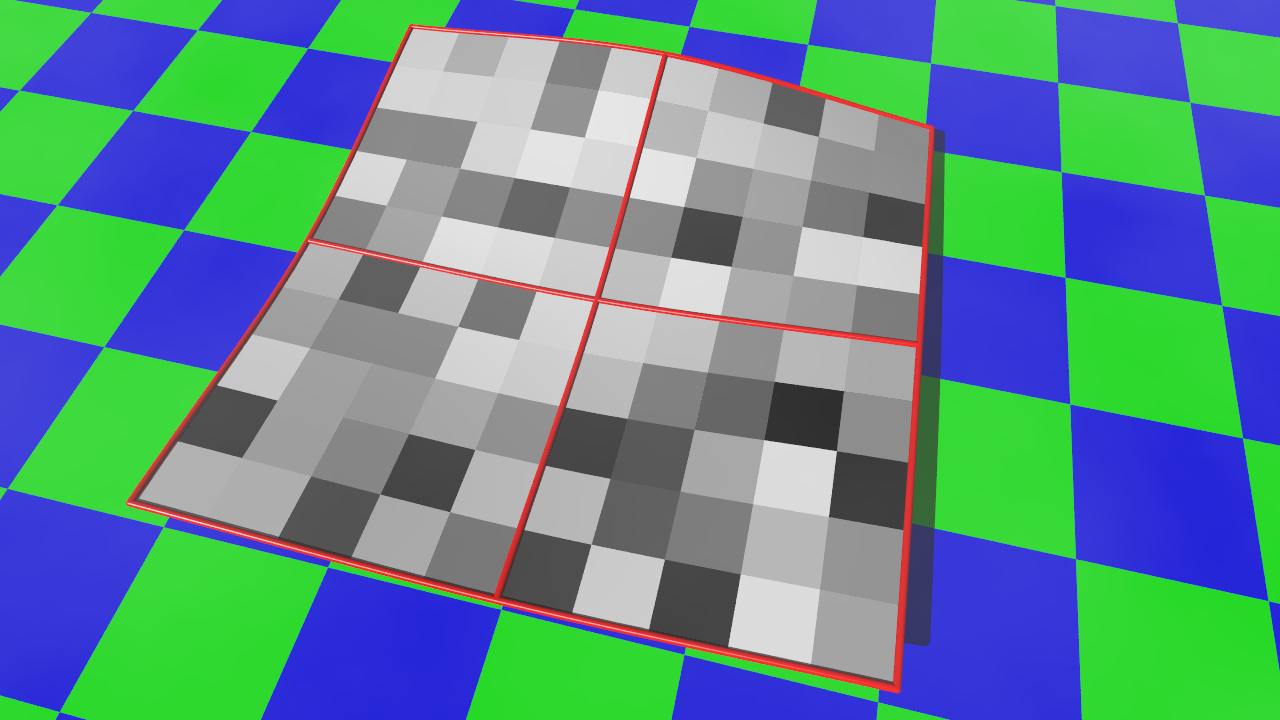
None of the wireframe macros add any texture to the objects.
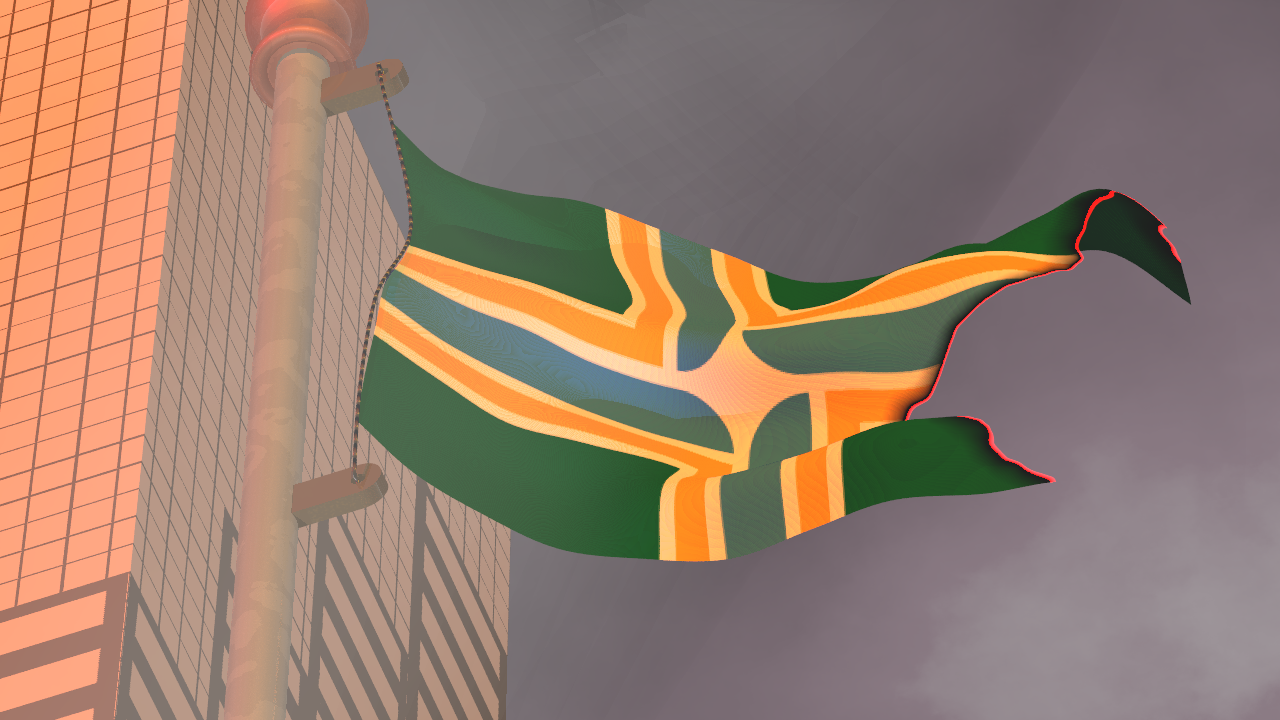
The flag in the image below was created with a 12 x 8 grid of modeling points, creating 77 bicubic patches. The rope was created using a ConnectedSpline